Tools · 2025
Dot Matrix Generator
A tool I built with AI that lets CXD industrial designers bring their own dot-matrix display ideas to life. Anyone can design fonts and animations in it, without waiting on a UX designer to draw HMI screens for them.
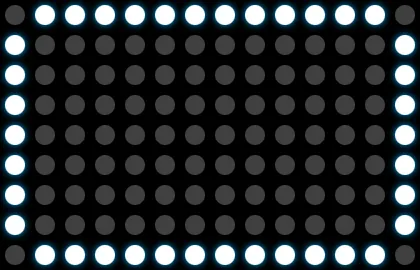
v2, the version teams use, lets you set any grid from 8 × 8 to fit your display. It adds a glow colour and four product animations: fan blades, air flow, sparkles and a growing leaf.
The problem
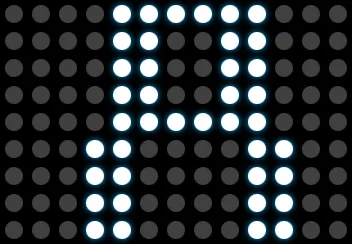
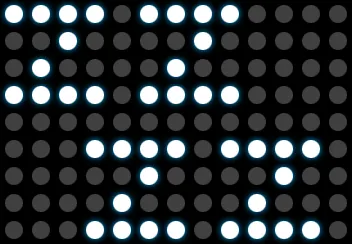
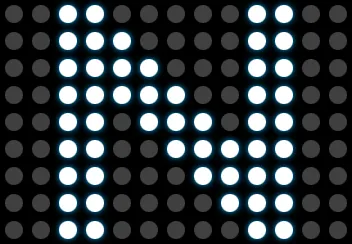
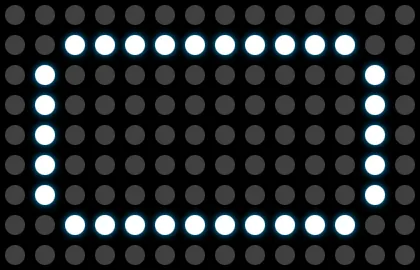
At CXD we design dot-matrix displays for products that have little in common, from an air purifier remote to an OFR display and a fan remote. Different teams own them, and each display uses its own grid.
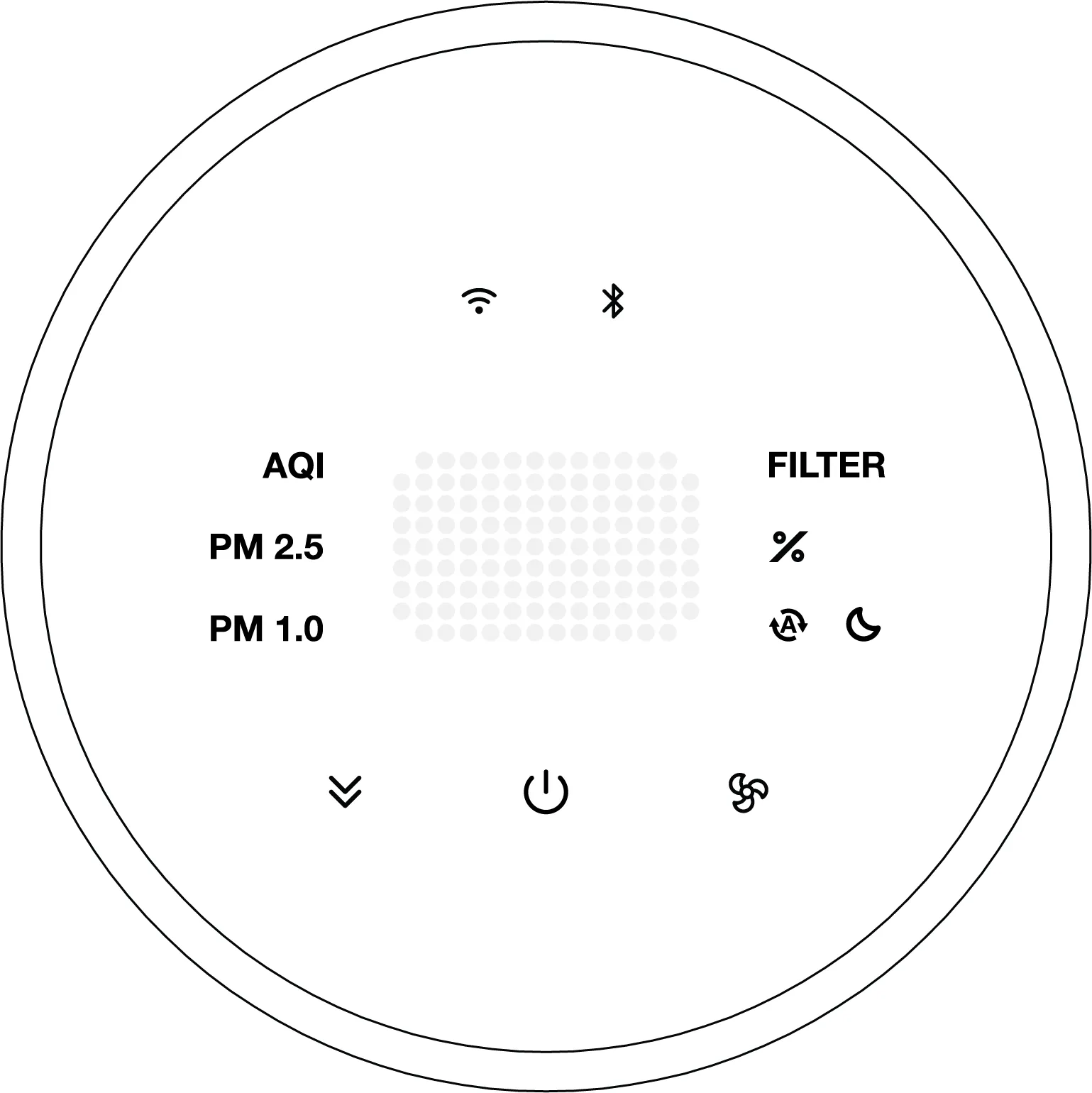
Air purifier remote · 9 × 13
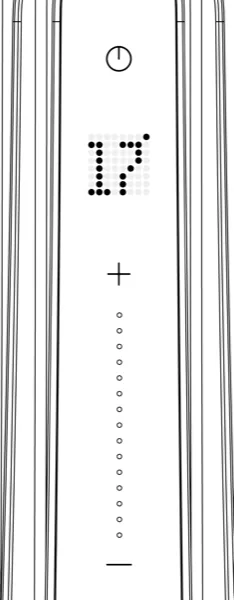
OFR display · temperature and timer
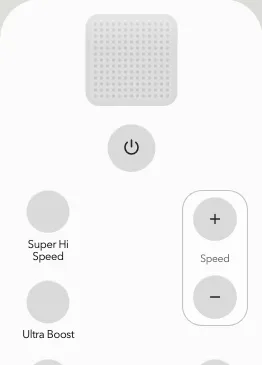
Fan remote · 13 × 13
For each product we drew the fonts, animations and use cases in Illustrator, one dot at a time. A font set took about nine hours, and the next team started again from a blank artboard. The OFR display alone needed 39 states: temperatures from 5 to 35 °C and timer steps from 1H to 8H.
Illustrator gave us static images. To show motion, we rebuilt the frames in After Effects, which took longer than drawing them. Most teams skipped animation on their HMI displays for that reason.
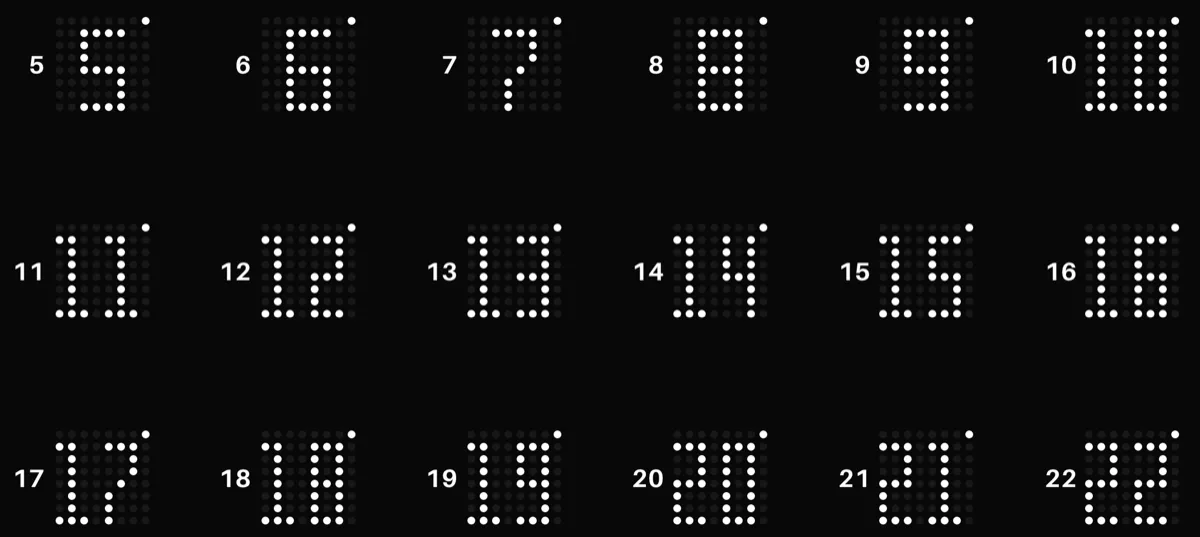
What I built
I used Codex to build a browser tool that covers both gaps, drawing and motion. You set the grid to match your display, then work in one place:
- Draw by clicking or dragging, with undo.
- Type a number or a letter to see it in a pixel font.
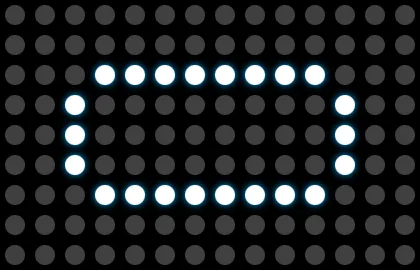
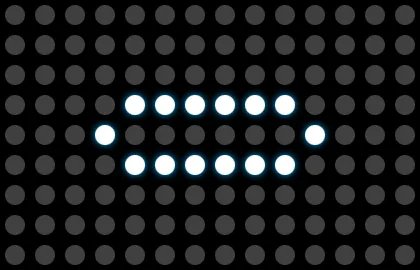
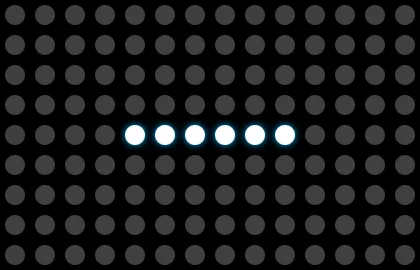
- Play animations such as loading, battery low, fan blades and air flow.
- Pick a glow colour and export any frame as a PNG.
I wrote the requirements, tested each build on real display sizes and sent the problems back to Codex. Fifteen builds took three days.
Shared with the team
I shared the tool with designers across CXD. They set their own grid, try fonts and animations, and share the results with their teams without opening Illustrator or After Effects.

Impact
- Faster from idea to decision. A designer turns a rough idea into a lit display state in minutes, and the team judges legibility, glow and motion on screen before moving to execution.
- Animation on HMI displays. Teams that used to skip motion now try animations in the same session as the fonts.
What I learned
The hard part was spotting the work we kept repeating and fixing the constraints: grid size, font size and what each display has to say. With those settled, I could leave the code to Codex and spend my time testing.
I saved each build as its own file, so I could try a bold change and roll back if it broke.